

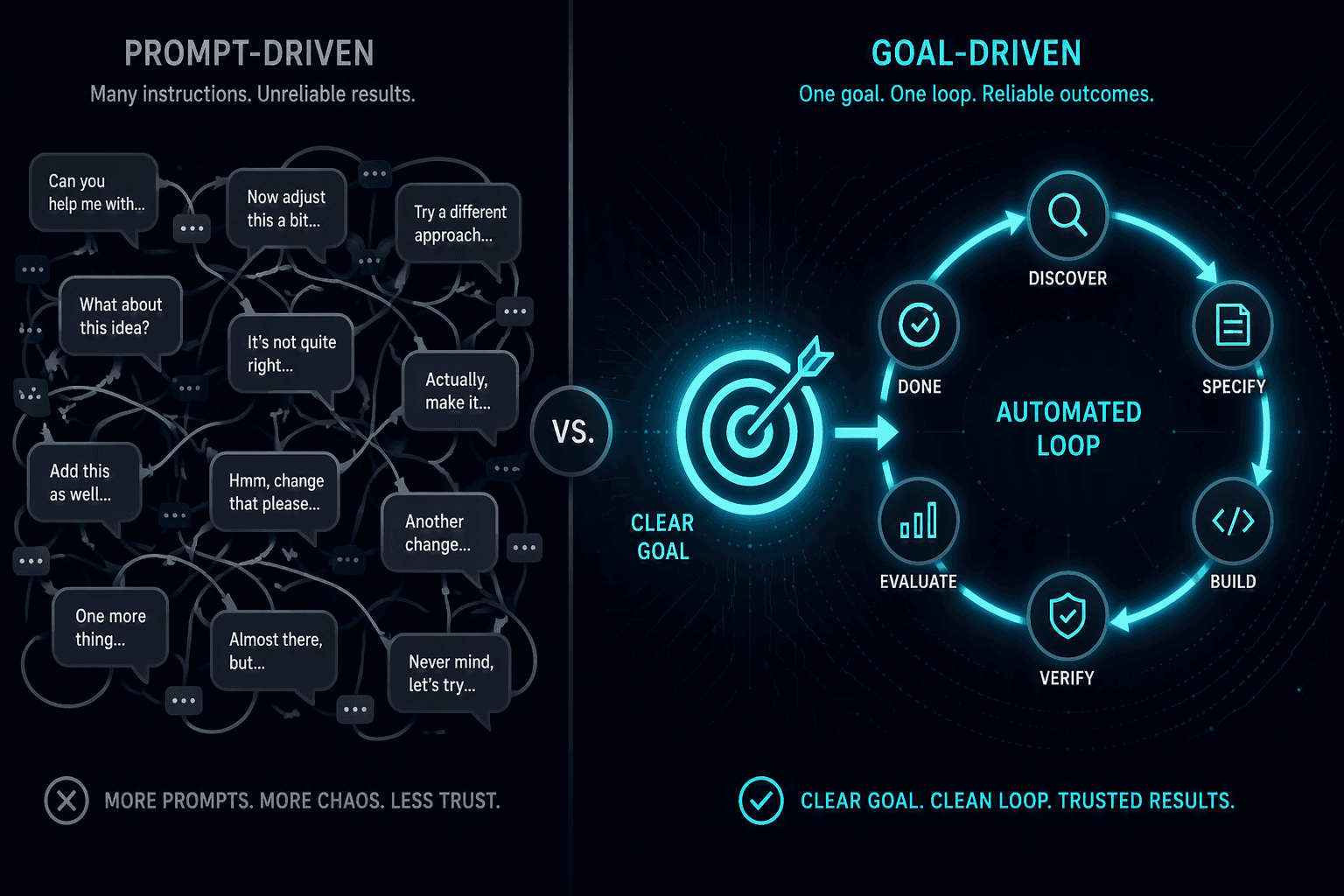
Picture two ways to build a Power BI report with AI. In the first, you give click-by-click instructions: "add a table", "now a measure", "now a bar chart". In the second, you state once what you want — and the agent delivers the finished, verified report. That difference is loop engineering.
What loop engineering is
Loop engineering means running an AI agent not as a question-and-answer machine, but as a controlled loop that works on a goal until it is measurably achieved — constructed like a technical system with defined states, transitions, checks, and limits.
In our system: the orchestrator takes over
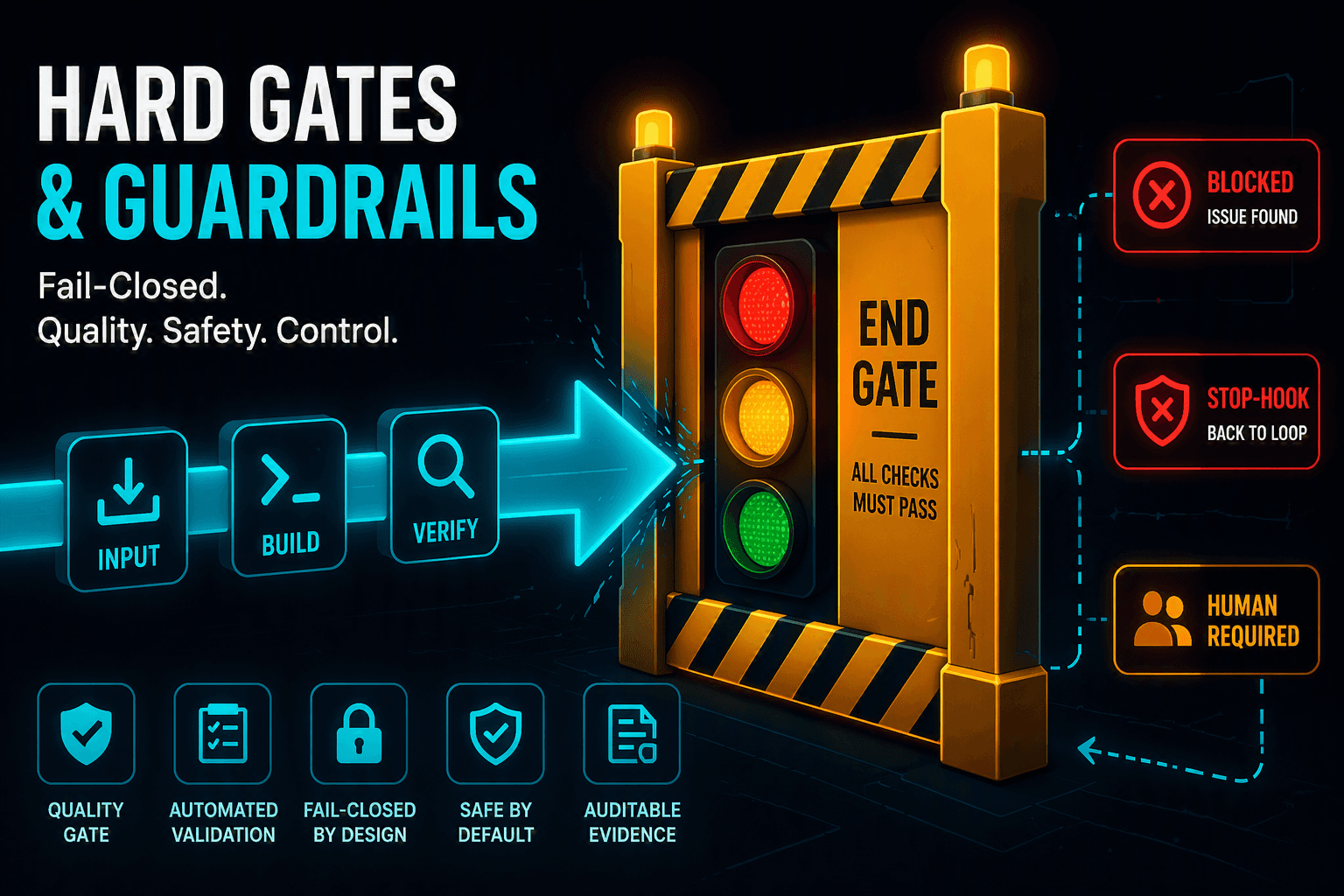
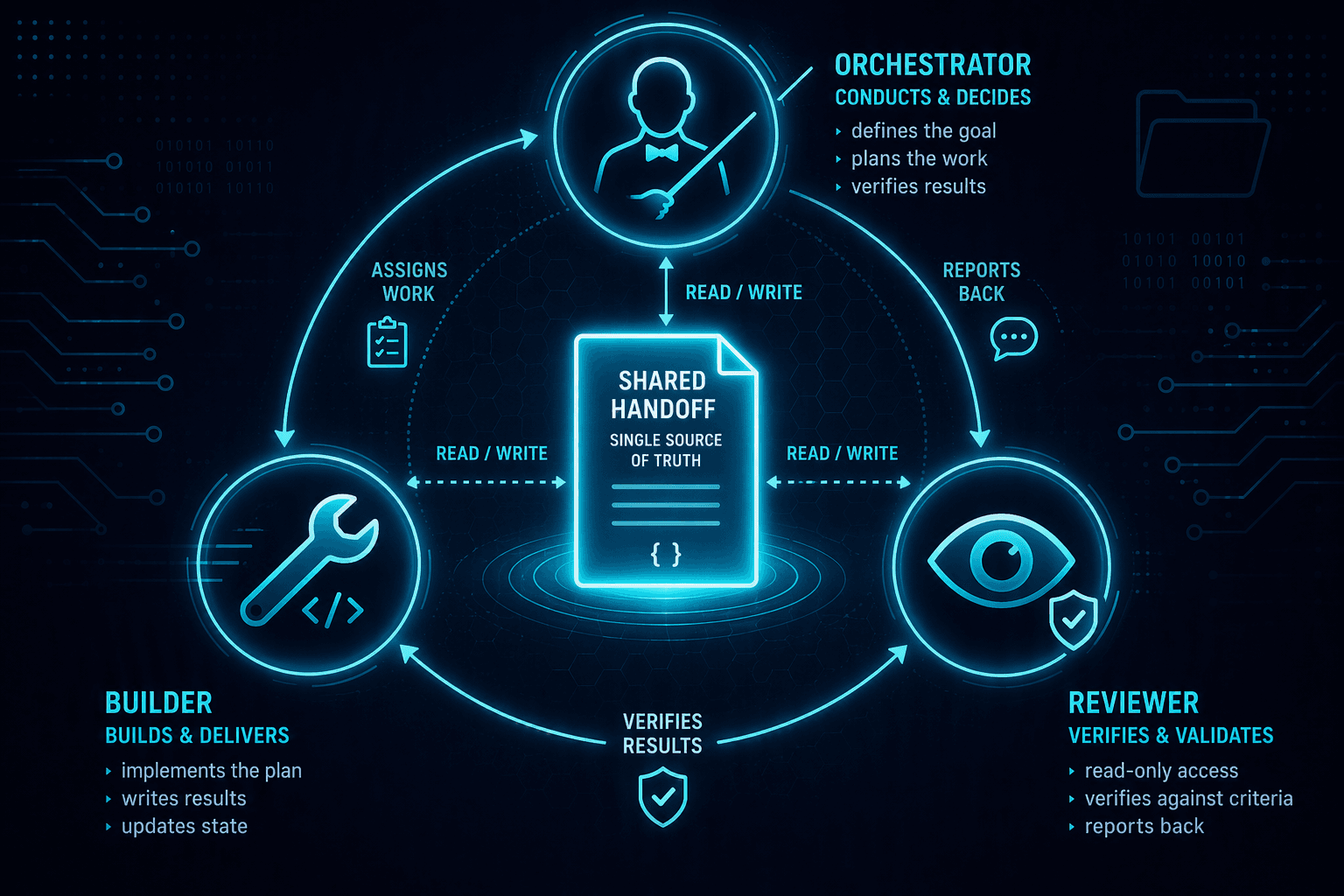
With us, the orchestrator is the single entry point. You give it a goal — nothing more. For example: "Create a data model and a report from these CSVs" or "Optimize the DAX in this semantic model". From there the agent drives the loop itself: it decomposes the goal, plans, delegates the work, checks the result against defined criteria, and repeats until everything is green — or until it honestly reports that it needs a human (e.g. for a Fabric sign-in).
The one rule that carries everything
The supreme, non-negotiable rule — the constitution of the system — is: there is no task without a state loop. Before the orchestrator does anything, it creates a persistent state — unconditionally, even for a seemingly trivial change. That sounds strict but is the precondition for resumption, traceability, and dependable sign-off.
Why this matters for BI teams
A Power BI report is rarely "build once and done". It is iterated, adjusted, re-themed. That is exactly where a goal-driven loop shines: you delegate the goal ("report in the corporate theme, accessible, no overlapping visuals") and get a reproducible, verified result — instead of a chain of manual prompts that no one documented.
You don't delegate a tool. You delegate a goal.
Do your BI automations work "click by click" or "goal by goal"? 👇
#LoopEngineering #PowerBI #MicrosoftFabric #AIAgents #DataModeling #FutureOfWork